About / How Kashin's art house was made
2023 Edit : I love this project as it is my still one of my biggest personal accomplishments from early 2021 when I first started learning coding, but please understand that the source code modestly put is at a beginner level.
Starting The Project
This project was my Master JavaScript project to culminate everything
I have learned and apply them while creating something I could call my
own, something that was in my personal interest. So I started making
an E-Commerce store, but the theme would be based entirely on what I
would sell if I was a scuffed Bezos, so here we are
Kashin's Art
House.
Making It Happen
The project's idea was to create an art store and have it's products
be displayed using an API while having the functionality of adding
items to cart without using any PUT, POST, DELETE methods for API
calls. This idea required me to setup all cart functionality to work
through local storage and not require too much of a database with
multiple calls.
But, my products (ARTWORK) still required a database for the API to
make calls from and at the least display the products from a database.
This required me to learn how to use
AirTable.
Airtable gave me a so called data "base" along with their own API
setup to make calls and receive JSON data for items I setup. After a
few hours of learning AirTable Base setups and how to use AirTable
APIs using
Postman, I
started building my Art-House.
Here is my Airtable Setup that is currently displaying all data on my JS-Master Project.
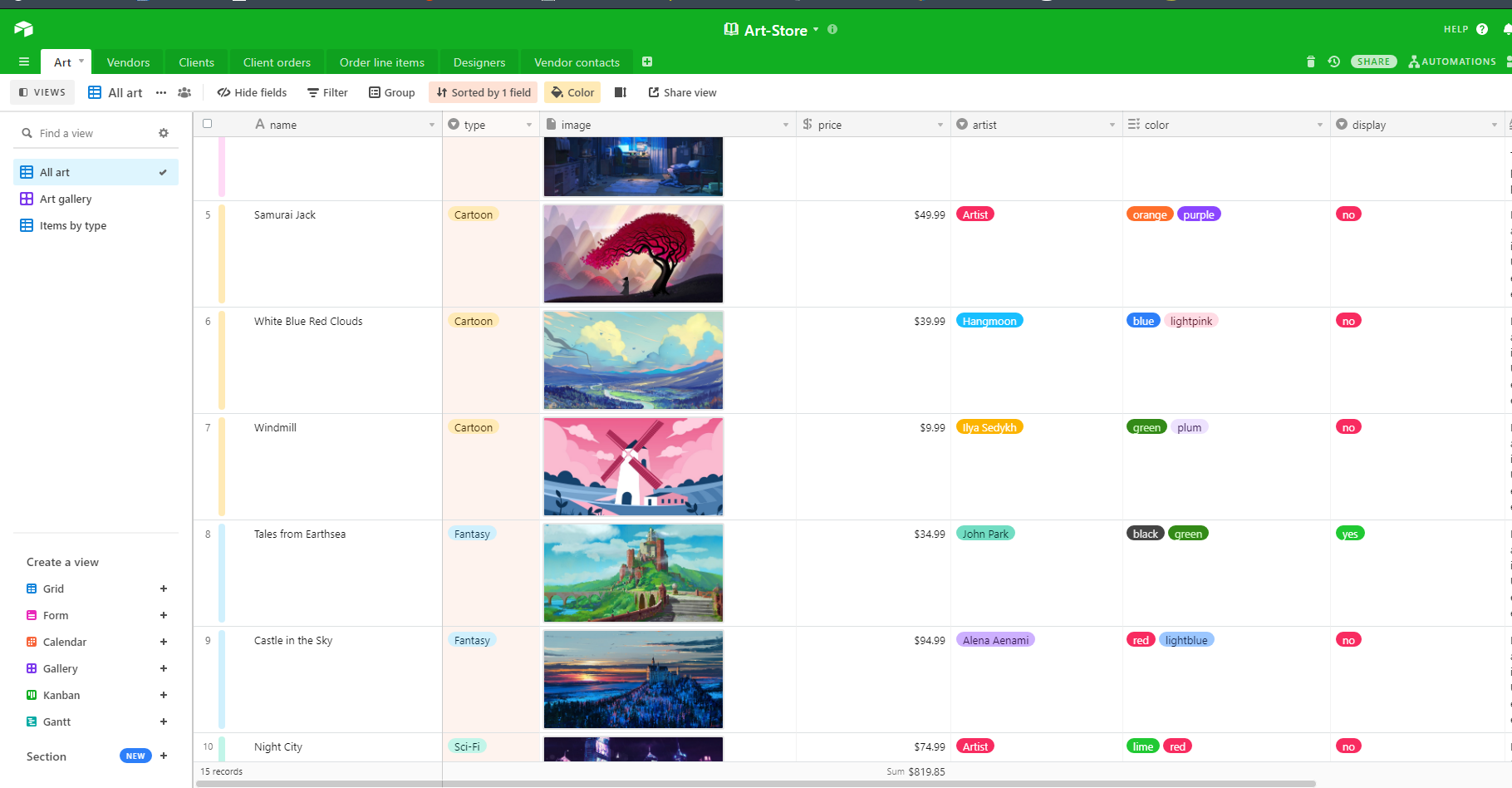
The above setup was done on the AirTable Base where I have setup
multiple fields to send specific data like
Artist, Color, Type
for each item on the base. The item is sent in clear JSON data from
the API that is provided by Airtable for free.
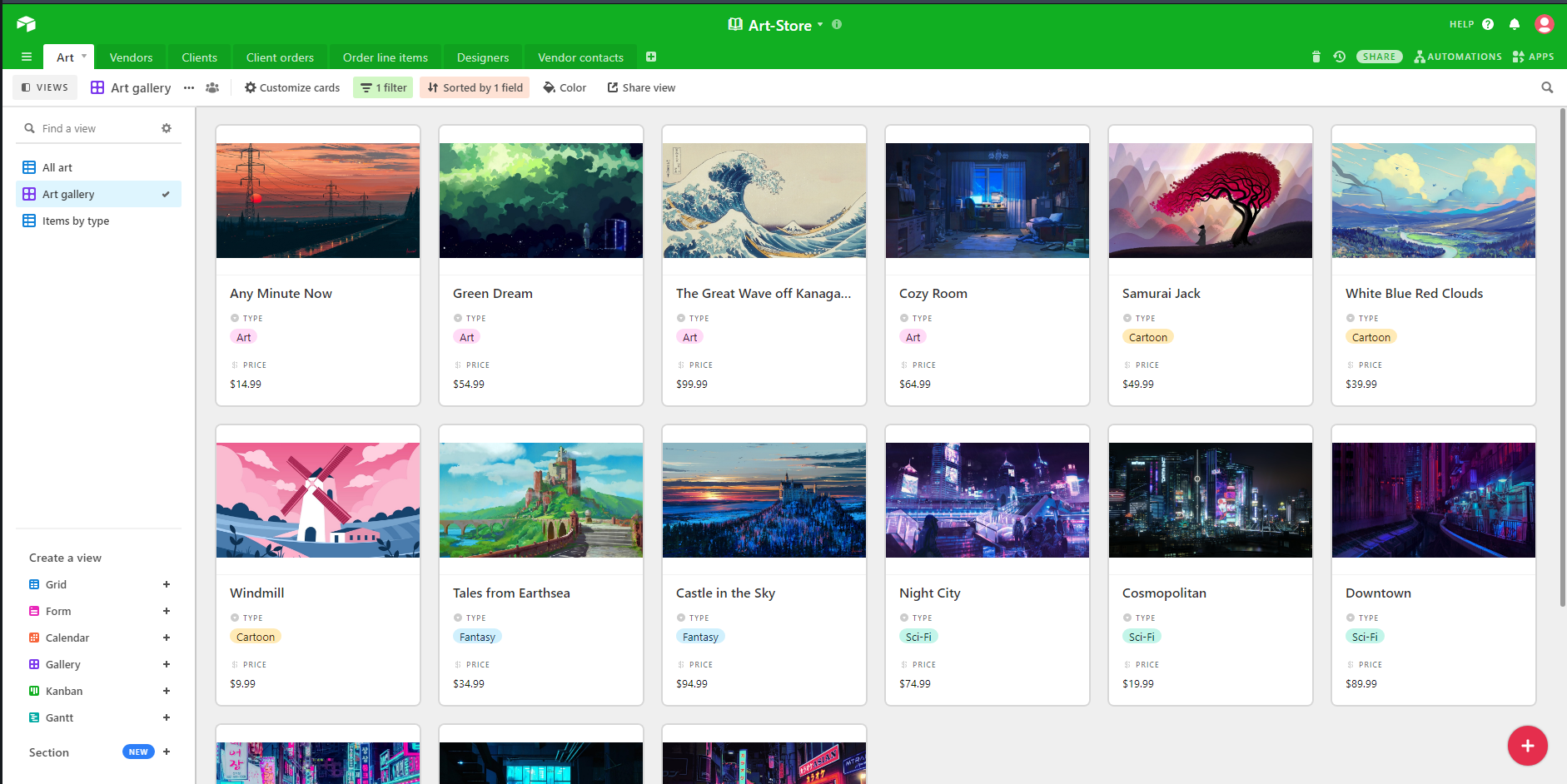
Here is a much cleaner view of how the Airtable Art Gallery Base looks like:
Working with Airtable API
The Airtable API is pretty straight forward to understand. Airtable
provides a special API key along
with Base key to setup for the API
calls. Each item is provided a specific ID which airtable will
retrieve if used in the API making the single product page possible.
Airtable API
Once the API was setup and I was getting my json data, the rest of the
site was just manipulating the JSON data to create a full setup. By
just sending all JSON data I received into local storage, I was able
to rely entirely on just local storage to retrieve and use all the
necessary data for cart functionality.
Rest of the website
The rest is just basic vanilla JS coding, but it all gets boring at
one point, so I created a small side project. For such special final
project, it required special attention. It was time to create my own
LOGO. And so the nav-logo you see at the top of this website was created
using Photoshop, it was just a distraction to take my mind off the
hours of coding that became tedious at times.
A look at the Logo fresh out the box
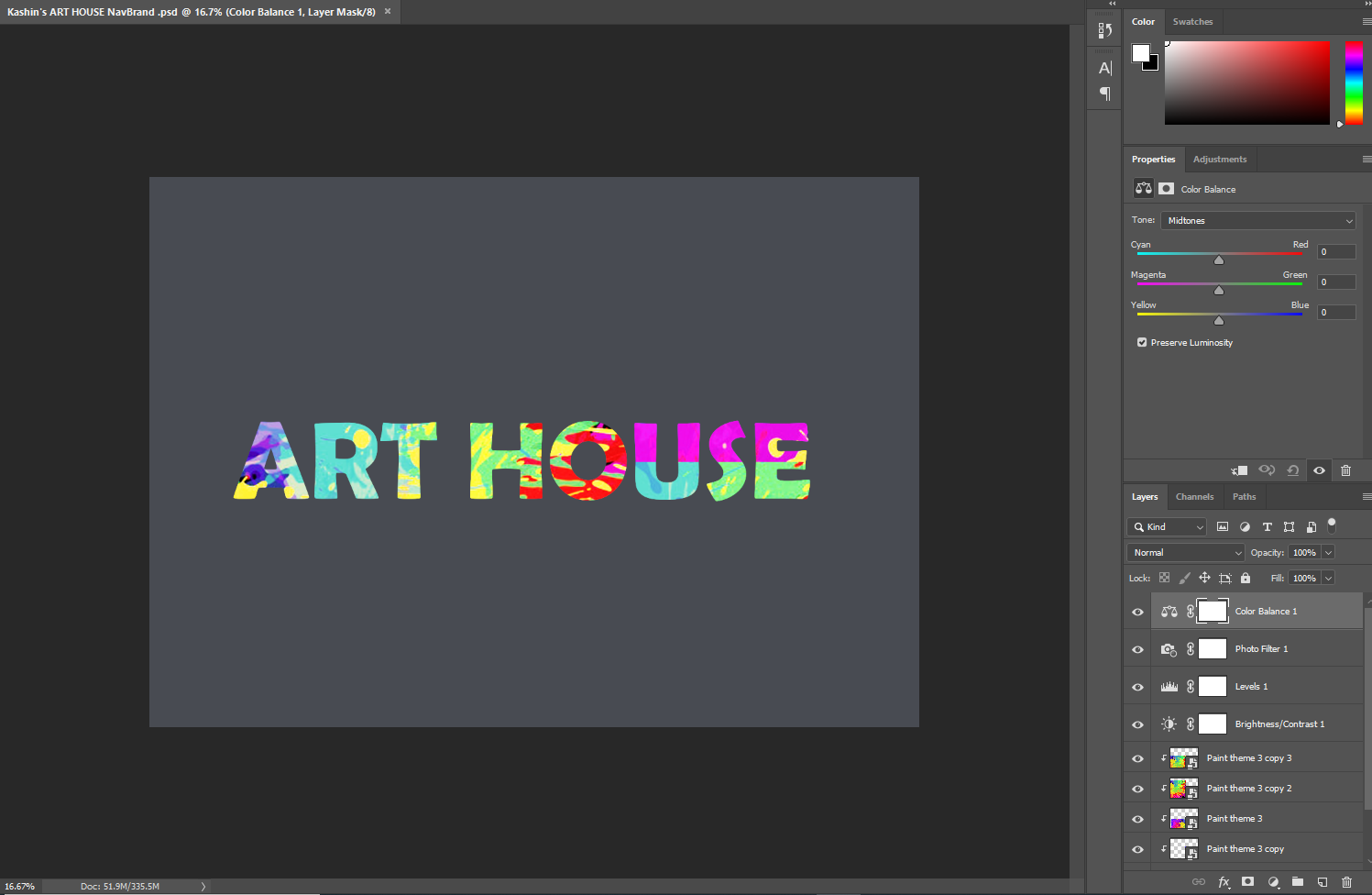
It may not be the amazing design everyone was hoping for, but
everything looks better in your head until you try to make it a
reality.